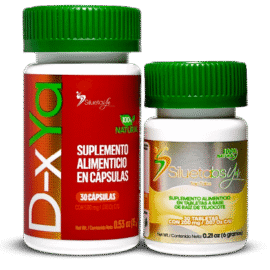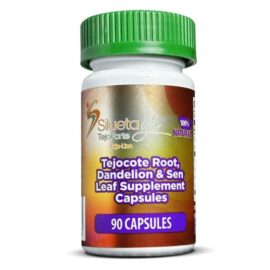
Check Your SiluetaYa Product
Verify the authenticity of your product using the security label HiddenTag®. All you need is your phone and the official app.

Verify Your Product in 4 Steps
Use HiddenTag Global to scan the security tag on the package and view the authentication information.
Download the app
Install HiddenTag Global from the App Store or Google Play.
Open the scanner
Open HiddenTag and select the scan or authentication feature.
Scan the HiddenTag
Point the camera at the holographic label located on the package.
Check the results
The app will display information related to the scanned code.
Where can I find the HiddenTag?
This product is located in the upper right corner of the front of the bottle, near the shoulder of the container.
- Locate the holographic label.
- Use good lighting.
- Avoid direct reflections.
- Keep the camera steady.
- Slowly move the phone closer or farther away until the image comes into focus.
Here's how to verify your product
Follow the tutorial and complete the process on your phone.
Is the video not loading? You can watch it directly on YouTube.
Watch on YouTubeDownload HiddenTag Global
Install the app on your smartphone and scan the HiddenTag label on your product.
 Spanish
  English